The Problem with Traditional Invoicing
Manually creating invoices is one of the most time-consuming tasks for small business owners and freelancers. On average, business owners spend 3-5 hours per week just on invoicing tasks:
- Collecting client information
- Calculating totals and taxes
- Formatting documents
- Sending and tracking payments
This tedious process not only wastes valuable time but also increases the risk of human error—leading to incorrect amounts, missed payments, or unprofessional-looking invoices.
The AI-Powered Solution
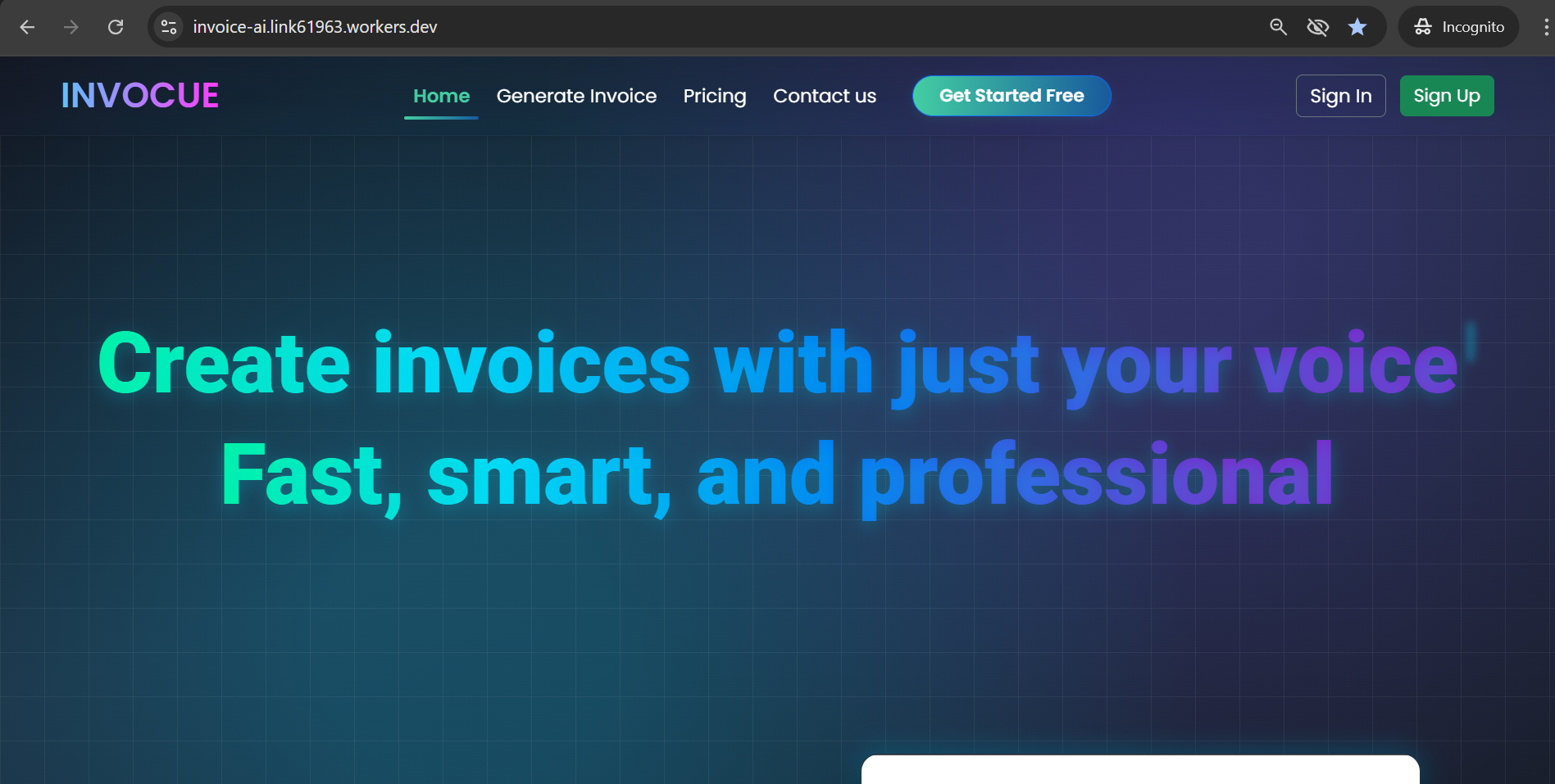
With modern AI invoice generators, you can create professional invoices in under 60 seconds using just your voice. Here's how it works:
1. Voice Input Technology
Simply speak the invoice details:
"Create an invoice for John Smith, email john@company.com, for website design services, $1,500, due in 15 days."
The AI understands natural language and automatically structures your data.
2. Smart Automation
The system automatically: - Calculates taxes based on your location - Applies your branding and logo - Generates sequential invoice numbers - Formats everything professionally
3. Instant Export
Download your invoice as a PDF or share it directly via email—no manual formatting required.
Real-World Impact: Time Savings
Let's break down the numbers:
| Task | Traditional Method | AI Method | Time Saved |
|---|---|---|---|
| Data Entry | 5 minutes | 30 seconds | 4.5 min |
| Formatting | 3 minutes | 0 seconds | 3 min |
| Calculations | 2 minutes | 0 seconds | 2 min |
| Export/Send | 2 minutes | 30 seconds | 1.5 min |
| Total per invoice | 12 minutes | 1 minute | 11 minutes |
If you create 10 invoices per week, you save 110 minutes (nearly 2 hours) weekly, which translates to 96 hours per year.
Key Benefits for Small Businesses
✅ Accuracy
AI eliminates calculation errors and ensures consistency across all invoices.
✅ Professionalism
Every invoice looks polished and branded, improving client perception.
✅ Speed
Create invoices 10x faster than manual methods.
✅ Accessibility
Work from anywhere—mobile, desktop, or tablet. Voice input means you can even create invoices while driving or walking.
✅ Reduced Stress
No more worrying about missed invoices or late payments. Automated reminders keep everything on track.
Getting Started with AI Invoicing
Here's how to implement AI invoicing in your business today:
- Choose the right tool - Look for features like voice input, automated calculations, and PDF export
- Set up your business profile - Add your logo, business details, and tax information once
- Create your first invoice - Use voice commands or manual input
- Monitor and track - Many AI tools include payment tracking and reminders
Pro Tip: Start by converting your most frequent invoice types into templates. This saves even more time on repeat clients.
The Future of Business Automation
AI invoicing is just the beginning. As artificial intelligence continues to evolve, we'll see more business processes automated:
- Expense tracking
- Receipt scanning
- Tax preparation
- Financial forecasting
Early adopters of these technologies gain a competitive advantage—more time to focus on growth, better client relationships, and reduced operational stress.
Conclusion
Time is money, especially for small business owners. AI-powered invoicing isn't just about creating documents faster—it's about reclaiming hours of your week to focus on what truly matters: growing your business and serving your clients.
The technology is here, it's affordable, and it works. The only question is: how many hours will you save this month?
Ready to try AI invoicing? Start creating professional invoices in seconds with voice commands. Get started free →
Have questions about AI automation for your business? Drop a comment below or reach out to our team.