The simplest way to create professional invoices
With InvoCue, you can generate, edit, and share invoices in seconds. Voice-powered commands and AI-driven formatting help you focus on your work, not paperwork.
Generate Your Invoice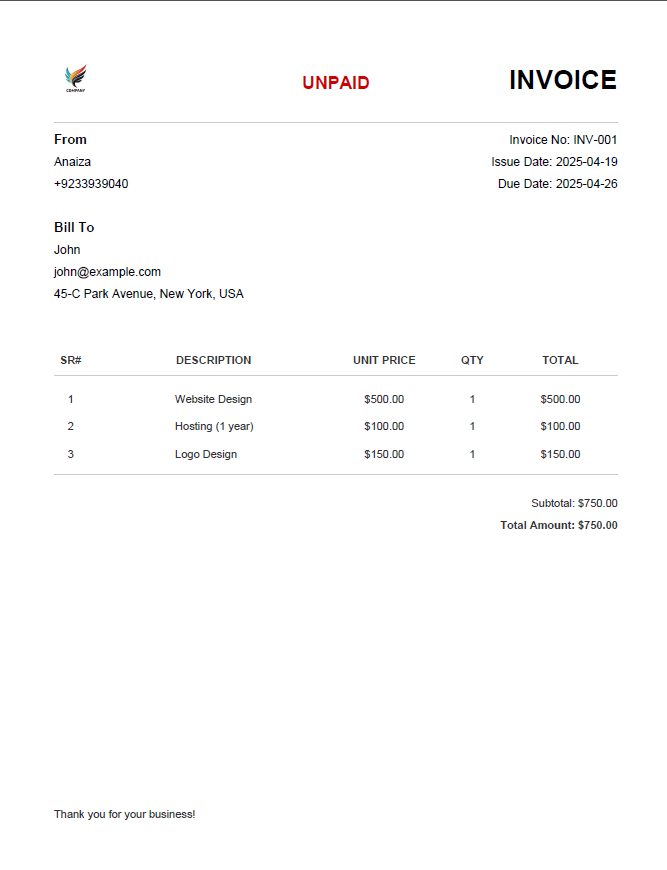
Fast, smart, and professional
With InvoCue, you can generate, edit, and share invoices in seconds. Voice-powered commands and AI-driven formatting help you focus on your work, not paperwork.
Generate Your Invoice
From idea to invoice in seconds — a seamless, modern invoicing journey built for freelancers & businesses.
Speak your invoice, and let AI handle the parsing and formatting instantly — items, amounts, and due dates extracted automatically.
Prefer typing? Describe the invoice in natural text — e.g. “Invoice Zara: 2 design revisions @ $150, due in 14 days” — and InvoCue will parse that text into a ready invoice.
Make quick changes with an elegant editor designed for speed — inline suggestions, quick totals, and copy/paste-friendly controls.
Contextual suggestions for missing information, optimized layouts, and payment terms so your invoice looks professional every time.
Finalize and export your invoice in a polished PDF instantly — print-ready and brandable with logos and links.
All your past invoices organized in one beautiful, searchable space — filter by client, date, or status.
Got questions? We’ve got answers — here’s everything you need to know about InvoCue.